Keypad and connected locks for compatible doors
Smart lock installation starts with the door
Upgrading to a keypad or smart lock? KeyHive installs compatible residential electronic locks and keyless entry hardware, makes sure the lock fits and lines up correctly, and completes basic setup and testing.
Call KeyHive at (913) 944-8187 or request service.
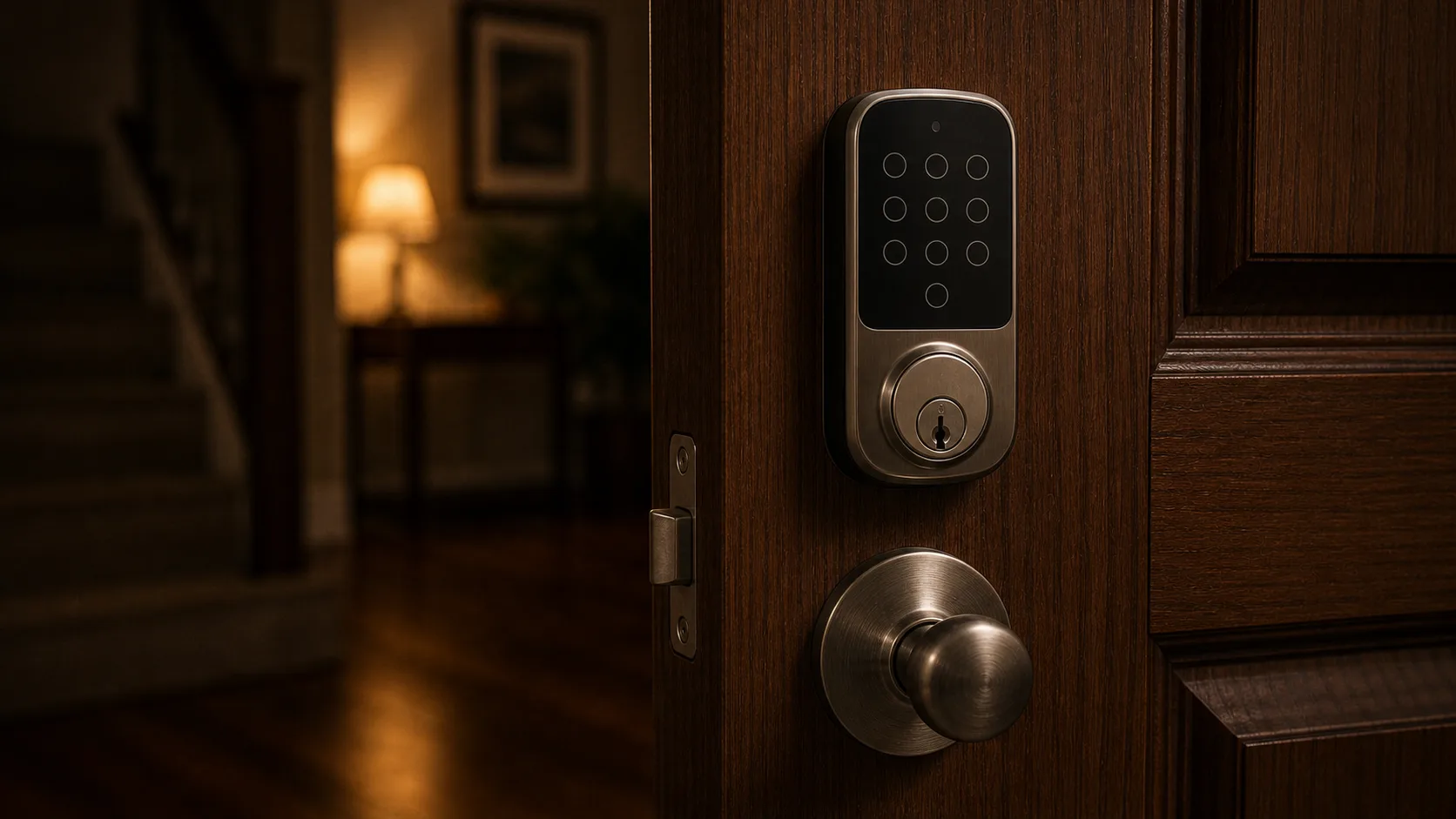 Smart-lock service depends on the door, existing hardware, lock model, power, platform, and the way the household plans to use it.
 What kind of everyday access do you want?
- A keypad for household or guest codes without relying on an app.
- A connected lock with app features supported by the chosen model and platform.
- A lock with a mechanical-key option as well as electronic entry, when the model includes one.
- Temporary or separate codes for household members, guests, cleaners, or property staff when the chosen model supports them.
Keep a backup way in
- Some keypad and connected locks include a physical key cylinder; others use a different emergency-power or backup-entry design.
- If the keypad still responds but no physical key remains, identify the exact model before assuming a new key can be made or the cylinder can be rekeyed.
- A lost emergency key on a digital lock can involve the keyway, removable cylinder, or complete hardware. The exterior keypad alone does not identify those parts.
- Before a home sale, rental handoff, or extended trip, confirm that the next person has a dependable backup method in addition to any code or app access.
What KeyHive checks before installation
- Door bore, backset, handing, latch, strike, alignment, and existing hardware.
- The exact lock model, power method, platform, hub or Wi-Fi requirement, and desired features.
- Whether the deadbolt moves freely before an electronic symptom is blamed on the lock.
Residential smart-lock families are not interchangeable
- Schlage Encode, Connect, Sense, and Arrive use different connection methods, apps, and feature sets depending on the exact model.
- Kwikset Halo, Aura, and existing SmartCode 888 hardware differ in connectivity and setup even when the keypad experience looks similar.
- Yale Assure Lock 2 and Real Living models vary by module, key option, platform, and generation.
- App accounts, remote access, subscriptions, hubs, Wi-Fi bridges, battery warnings, code management, and third-party support remain model-specific.
Commercial electronic locks have separate requirements
- Schlage CO-Series and AD-Series hardware are commercial electronic lock families, not residential smart deadbolts.
- Yale nexTouch hardware is built for commercial or multifamily openings and is assessed differently from a Yale Assure home lock.
- Door type, existing commercial hardware, credentials, management method, fire or life-safety requirements, and manufacturer support can change who should handle the system.
What KeyHive handles—and what may stay with the manufacturer
- For a compatible installation, KeyHive handles physical fit, latch and strike alignment, basic hardware operation, and the initial lock functions available at the door.
- The keypad, thumbturn, bolt, batteries, mechanical key, and basic code operation are tested as the model allows.
- Account recovery, cloud-service outages, subscriptions, home-automation rules, unsupported hubs, and manufacturer platform problems may need separate support.
- If an electronic lock is fighting the door, the alignment problem should be corrected before treating the motor or batteries as the only cause.