
I need a replacement Ford key
No key starts the Ford, or the only key is broken or unusable. KeyHive can create and program a replacement for many supported vehicles without the original.
Ford key replacementMobile Ford key and fob service
KeyHive cuts and programs replacement and spare keys and fobs for many Ford cars, SUVs, pickups, vans, fleet vehicles, chassis cabs, and supported medium-duty trucks. Mobile service is available where the Ford is parked for missing keys, added spares, fob programming, vehicle entry, emergency blades, and supported ignition-lock concerns. The model year, VIN, starting method, keys that still start the vehicle, and functions needed determine the service path.
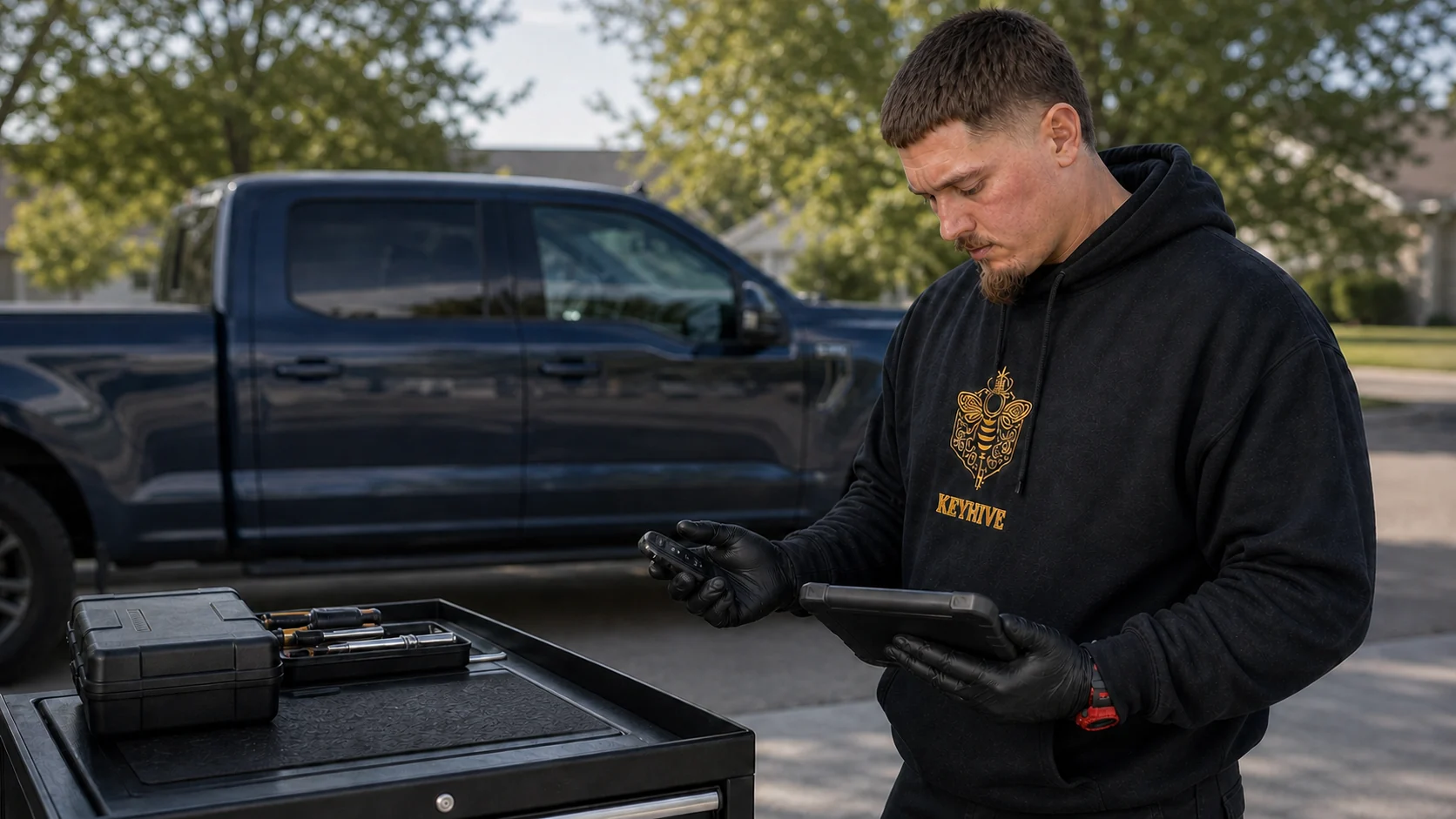
Start with the Ford situation that is happening now. The VIN and remaining-key state become especially important for commercial, upfitted, and medium-duty vehicles.
No key starts the Ford, or the only key is broken or unusable. KeyHive can create and program a replacement for many supported vehicles without the original.
Ford key replacementYour used Ford came with one key, or another is needed for a second driver, fleet unit, or backup. KeyHive can add a compatible spare for many Ford vehicles, including supported Mustang Mach-E models.
Ford spare key serviceThe remote buttons may respond while the Ford does not recognize the coded key or proximity function for starting.
Ford no-start guidanceThe vehicle may be a Super Duty, Transit, E-Series, chassis cab, F-650, F-750, or another supported Ford commercial platform. Send the VIN and vehicle location.
Ford commercial and fleet key serviceThe Ford starts but has MyKey speed or audio limits, and no admin key remains. KeyHive can review compatible unrestricted-key options for supported vehicles.
Ford MyKey guidanceOne function can respond while another does not. A complete replacement should be matched to the functions included with that Ford and the result the customer needs.
The most important distinction is whether another programmed key or fob still starts the Ford.
Some Ford vehicles provide an owner-addition sequence when two previously programmed coded keys or fobs are present. The exact process belongs to the owner information for the specific Ford because model year, starting method, device type, and stored-key limits vary.
This is an additional-key situation. Keep that key with the vehicle so the new device can be matched and every intended function can be checked. Adding another key at this stage can prevent the vehicle from being left with no usable device later.
This is a no-key replacement rather than an added-spare situation. KeyHive confirms compatible replacement options, restores starting for supported vehicles, and discusses the intended security result before service.
Push-button-start Ford vehicles can have more than one replacement path. The exact Ford, compatible fob, stored-device state, and desired security result determine whether another device can be added or the intended fob set must be established again.
A MyKey can still start the Ford while selected restrictions remain active. If no unrestricted programmed device remains, another compatible key or fob may be needed before the Ford again has an unrestricted device.
A Ford fob that unlocks the doors but will not start the vehicle does not point to one cause. Remote buttons, passive entry, fob detection, and starting recognition are separate functions.
When another programmed key or fob starts the Ford, the first device becomes the clearer focus. When no available device starts it, vehicle voltage, detection, changed components, or another vehicle condition becomes more important.
Push-button-start Ford vehicles normally provide a model-specific backup position or method for a fob whose battery is weak or whose normal detection is interrupted. The location varies, so use the owner information for the exact Ford.
Replacing the correct fob battery normally does not remove the programmed relationship. Battery type, quantity, orientation, and case design vary among Ford fobs.
A Ford can respond to remote buttons while failing to recognize the coded key or proximity function for starting. When compatibility is correct and another recognized device is needed, KeyHive can provide supported programming service.
Low vehicle voltage, interference, antenna or detection concerns, theft-related damage, a changed module, a changed ignition component, or an incomplete earlier programming attempt can create similar symptoms.
Two Ford fobs can have the same shape and button layout while using different electronics, frequencies, part families, emergency blades, or vehicle assignments.
A Ford logo, matching shell, or matching button count does not establish compatibility.
Useful identifiers can include the Ford or supplier part number, FCC ID, frequency, button configuration, emergency-blade profile, physical key style, and exact vehicle application. No single identifier should be treated as the complete fitment decision.
A replacement should match the functions intended for that Ford. Extra buttons do not add features the vehicle does not have, and a missing expected button may indicate a different configuration.
A previously assigned fob may be reusable on some Ford systems and unsuitable on others. Its previous state, electronics, condition, and the receiving Ford all matter.
A compatible device can still be unreliable because of water or impact damage, corrosion, worn buttons, damaged battery contacts, a cracked case, a damaged circuit board, or missing internal parts.
Provide clear photos and identifiers before the blade is cut or the return option is lost. Programming cannot convert an incorrect or damaged device into the correct Ford fob.
Making another usable device and changing what a missing device can still do are not always the same result.
The selected programming path determines which keys or fobs remain recognized for starting. Adding another device does not always remove a missing device from the stored set.
Changing the Ford’s recognized electronic devices does not automatically change a blade that still fits the door locks.
Starting recognition, remote commands, passive entry, and connected security features can require separate decisions.
Tell KeyHive whether the goal is another usable key, an additional spare, or a security result in which a missing device must no longer start the Ford.
A weak battery, damaged case, worn button, missing blade, and unrecognized fob are different conditions even when they are all described as a fob problem.
Reduced range, intermittent response, a low-battery message, or successful starting only from the backup location can point toward battery strength or installation.
A replacement shell can sometimes preserve usable electronics when the circuit board, buttons, battery contacts, and blade remain intact. A shell change does not repair damaged electronics.
Many push-start fobs contain a removable mechanical blade. Confirm whether the selected replacement includes a compatible uncut blade and whether blade cutting is included.
Check the battery type, orientation, contact position, case closure, damaged clips, and response from the Ford’s backup-start location.
The model family helps narrow the key system, but the exact model year, VIN, starting method, and equipped functions still control the service decision.
Mustang, Mustang Mach-E, Bronco, Bronco Sport, Escape, Edge, Explorer, Expedition, Fusion, Focus, Taurus, Fiesta, and C-Max
These vehicles can use coded blade keys, remote-head keys, proximity fobs, emergency blades, and connected features in different combinations.
F-150, F-150 Lightning, Ranger, Maverick, F-150 Raptor, Ranger Raptor, and Bronco Raptor
The badge or performance package does not identify one universal key system. The exact family and model year still matter.
F-250, F-350, F-450, F-550, and supported F-600 applications
These vehicles can appear as pickups, flatbeds, utility vehicles, service bodies, towing vehicles, and other commercial configurations.
Transit cargo van, passenger van, cutaway, chassis cab, E-Transit, and supported Transit Connect applications
The body style alone does not identify the key system. Model year, ignition type, and equipped features matter.
E-Series, Econoline, E-350, E-450, cutaway, and supported stripped-chassis applications
These vehicles can sit underneath shuttle, ambulance, box, motorhome, and other specialty bodies.
Supported F-650 and F-750 applications
Availability depends on the exact model year, VIN, ignition type, key system, vehicle condition, and required result.
Tank, box, utility, towing, shuttle, ambulance, motorhome, and service bodies
A specialty body may use a Ford chassis underneath. Send the VIN when the body or equipment name does not identify the underlying Ford platform.
A Ford can have separate mechanical and electronic concerns after a component change or vehicle damage.
A replacement door or cylinder can create a blade mismatch even while the electronic fob still locks, unlocks, or starts the Ford.
A replaced ignition cylinder can change which blade turns the ignition without automatically changing which coded key the Ford recognizes.
A replaced module can alter programming or vehicle configuration. Share which component changed and what programming was already attempted.
The key system may remain serviceable while steering-column, wiring, glass, body, airbag, or major-module damage requires another automotive specialist.
Share what the Ford did before and after the attempt, which keys still start it, which buttons respond, the dashboard message, any changed components, and whether stable vehicle voltage was maintained.
KeyHive provides mobile Ford key and programming service for businesses responsible for individual vehicles or fleets. Service can be coordinated at dealerships, vehicle sellers, repair facilities, auctions, repossession facilities, upfitters, equipment companies, fleet yards, and other business locations.
Share the year, model, VIN, starting method, vehicle location, and whether any key, fob, blade, key tag, or part is present.
Adding another compatible device while one still starts the Ford can reduce the chance that a buyer, driver, or fleet unit is left with no usable key later.
KeyHive can make replacement keys for many supported Ford work vehicles at a fleet yard or worksite within its Kansas service area. Service is available for many Transit vans, F-Series trucks, and supported F-650/F-750 vehicles.
Prepare a separate record for each VIN or unit. Similar F-Series, Transit, E-Series, or Explorer vehicles can use different systems across model years and configurations.
Send the VIN and any known chassis information. The name on the body or equipment may not identify the Ford platform underneath.
Provide every visible identifier and clear photos before treating the device as compatible.
State whether the doors are locked, whether the dashboard responds, whether the Ford uses a turn key or push button, which devices are present, and what each device still does.
The vehicle can remain with your facility while KeyHive handles the supported key, fob, entry, or programming portion. Coordinate through the designated business contact and provide the VIN, unit or stock number, exact location, and current key status.
Ford key systems vary by model year, vehicle family, ignition design, and security architecture. For supported applications, KeyHive can use dedicated automotive key equipment and Ford-specific factory diagnostic and programming paths when required.
A model name alone may not identify the exact platform, key system, or required path, especially on commercial and upfitted vehicles.
Changed modules, ignition components, doors, earlier programming attempts, and theft damage can alter the next step.
KeyHive handles supported key, fob, lock, entry, and ignition-lock concerns. Wiring, major module faults, steering-column damage, body damage, and unrelated no-start conditions may require another automotive specialist.
MyKey can apply selected driver restrictions to a key that the Ford already recognizes. Ford calls a programmed key or fob that is not configured as a MyKey an admin key.
This is different from “No Key Detected,” a weak fob battery, an incompatible device, or a general no-start concern.
Use that key and the owner information for the exact Ford to review the available MyKey controls.
Another compatible key or fob may be needed before the Ford again has an unrestricted programmed device.
This begins as a replacement-key situation rather than an ordinary MyKey menu question.
KeyHive does not offer MyKey removal as a standalone service. For supported vehicles, KeyHive can review replacement or additional unrestricted-key options. Menu wording and available controls vary by model year and vehicle equipment.
Yes, for many supported Ford vehicles. The starting method, model year, VIN, current key state, and vehicle condition determine the replacement path.
KeyHive supports selected F-650 and F-750 applications. Send the model year, VIN, ignition type, vehicle location, and current key status so the application can be confirmed.
Yes. Mobile service can be coordinated at a business location within KeyHive’s Kansas service area.
Yes. Each vehicle still needs a separate VIN, key-status record, device match, and service decision.
Send the VIN. A specialty body or upfit can hide the underlying Ford chassis designation.
Sometimes. The device must be compatible, reusable, in suitable condition, and accepted by the exact Ford. Matching appearance is not enough.
Normally, no. Use the correct battery type and orientation for the exact fob.
No. A MyKey is recognized and restricted. “No Key Detected” means the Ford is not detecting the device as expected at that moment.
Not for many supported replacement, spare-key, programming, and vehicle-entry requests. A condition outside the key or lock system may require a dealer, mechanic, or another specialist.
Replacement keys, spare keys, programming, entry, ignition repair, broken key removal, commercial service, and MyKey guidance are available for supported Ford vehicles.
Ford service by location
KeyHive provides mobile service for replacement and spare keys, key and fob programming, and vehicle lockouts for many Ford vehicles across Johnson, Wyandotte, and Leavenworth Counties.